Hi everyone,
We just rolled out something many of you have been asking for. You can now deploy any Pickaxe directly into Slack and use it inside your workspace just like you would inside the Studio chat window.
Everything stays the same.
Your users will get the same responses, same actions, same knowledge base, and the same behavior you designed. The only difference is that you can now run your Pickaxe inside a tool your team already uses every day.
Here is how it works:

-
Go to your Pickaxe inside the Studio.
-
Click Create Deployment.
-
Select Slack.
-
Follow the on-screen instructions:
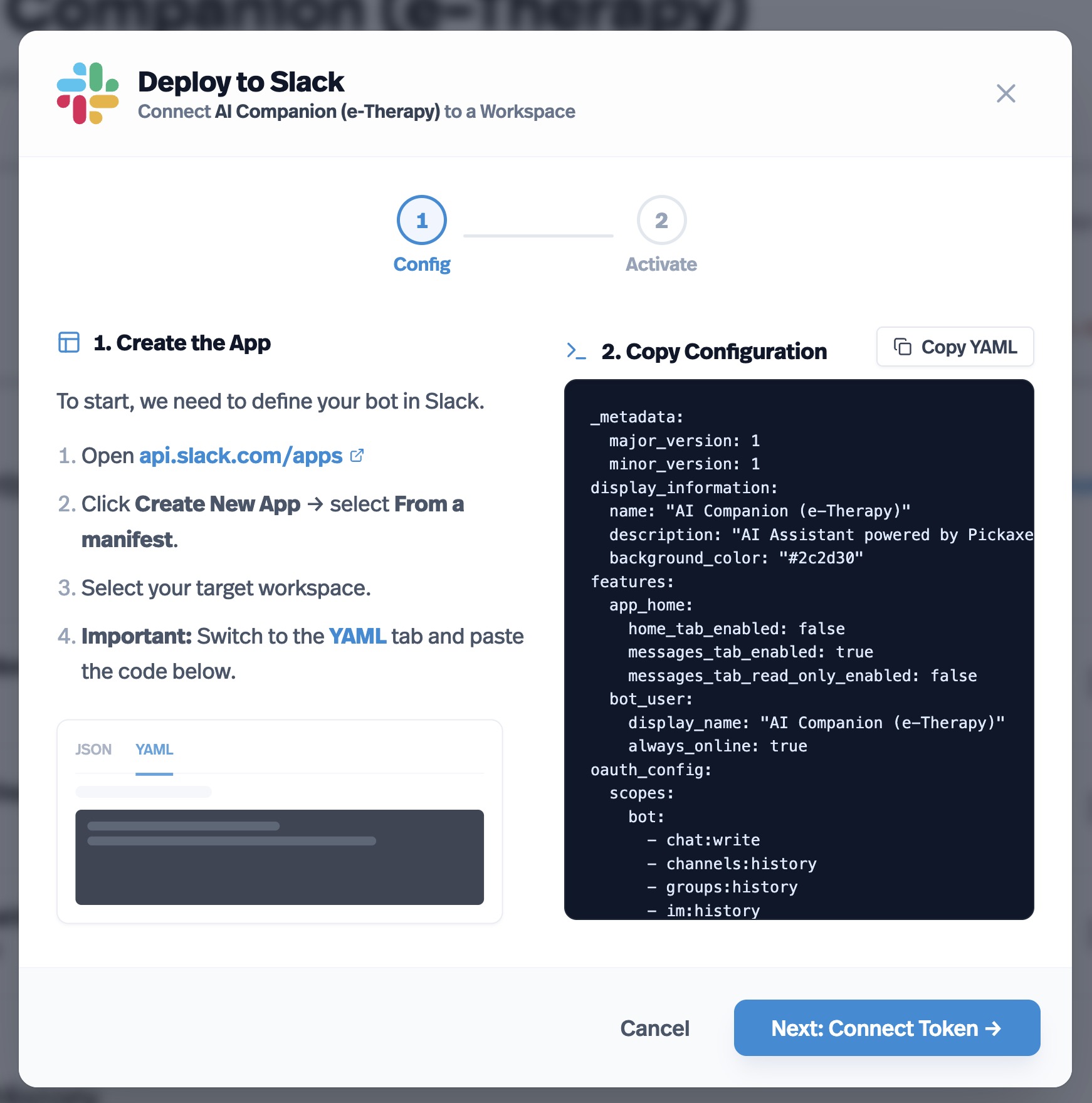
Once connected, your Pickaxe will respond in Slack channels and DMs just like it does in your Studio. No extra setup needed.
If you run into any issues or have ideas for improvements, feel free to post below.
Happy building!