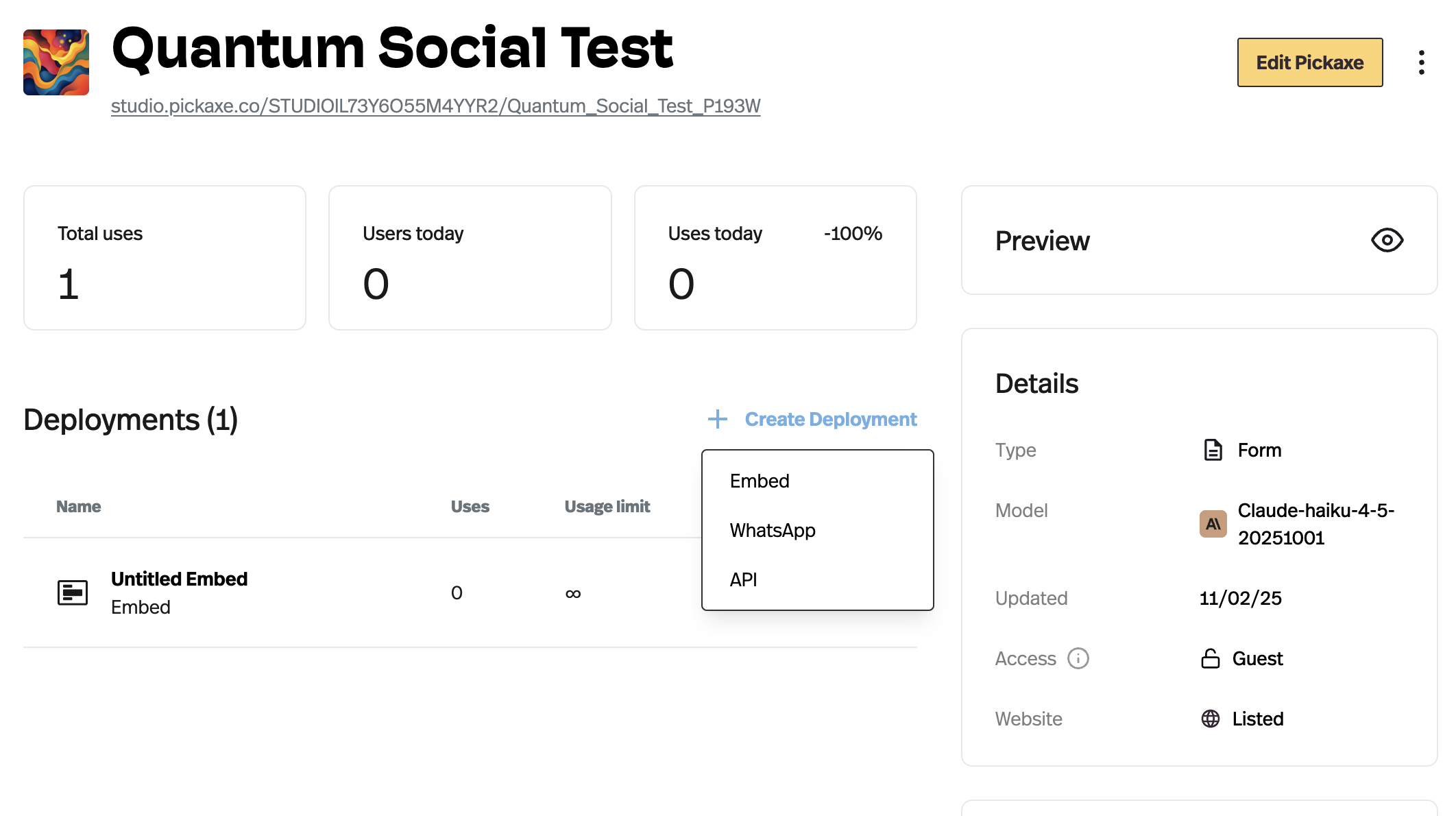
This is huge! You can now deploy your Pickaxe chatbot via email.
Users can send questions to a specific email address and get instant replies directly in their inbox.
Imagine someone emailing your Pickaxe with a question and getting an instant, smart reply with the same tone and intelligence it has on your website or studio chat. No setup hassles, no coding needed. Just smooth, automated email conversations powered by your Pickaxe.
Whether you’re using it for customer support, newsletter Q&A, or team assistance, this update makes your chatbot more accessible than ever and brings Pickaxe straight into your inbox.
Want to see it in action? Send a quick note to e-therapy@tools.mail.studio and enjoy some instant e-therapy.
But I don’t see the deployment option at the studio level as in your screenshot… And when I look to add a deployment at the pickaxe level, there is no email option.
How do user credits work with emails? When set with a free trial user for example it appears to keep answering their emails beyond the number of credits for default users. Should emails be tracking use and then prompting for an upsell into the system or do they always respond, regardless of who the user is @nathaniel ?
Tried requesting HTML in the email request and in the pickaxe prompt itself and the email contains the HTML code but doesn’t render that way (sends all the html as the body). That tells me the outbound sender is wrapping something else around the content that we don’t have control over.
Yes I have questions on how this works when we leave the pickaxe UI same for whats app. How is anyone going to pay or get blocked if they are on free tier. A rogue bot could get very expensive.
The anonymous usage tracking for email appears to be working now, thanks. Where can we change the message that is sent in the email to give instructions on how to sign up, include a link to the main site, etc? It looks similar to the pickaxe out of credits message but not the same.
and, on the left side, configure the amount of guest usage allowed as well as the upgrade message that will be sent to users once their guest credits are fully used.
In that message, you can include instructions on how to sign up, purchase a product, or even add a link to your Studio’s pricing page.
If you would like the upgrade message to function more like our other embeds by including a clickable Upgrade button, please submit it as a Feature Request.


 Want to see it in action? Send a quick note to e-therapy@tools.mail.studio and enjoy some instant e-therapy.