Counter seems to reset when the same user logs in from a different device to access the same pickaxe. My pickaxe is hosted on my own domain, and users need to be logged in to access it. However, the chat history doesn’t carry over and the counter resets itself. Same issue with different browsers, same device. To me it seems that the counter is based on cookies on a browser. Not good if we want to monetize once the usage limit is reached. Have others found this issue?
Hi @karina ,
Our support team has just tested all embed types for the behavior you described, but was not able to replicate the issue. In our tests, visiting the same embed with the same login preserved both the chat history and credits across devices as expected.
This may be specific to your embed, so if you could share a short video documenting the issue, it would help us investigate further.


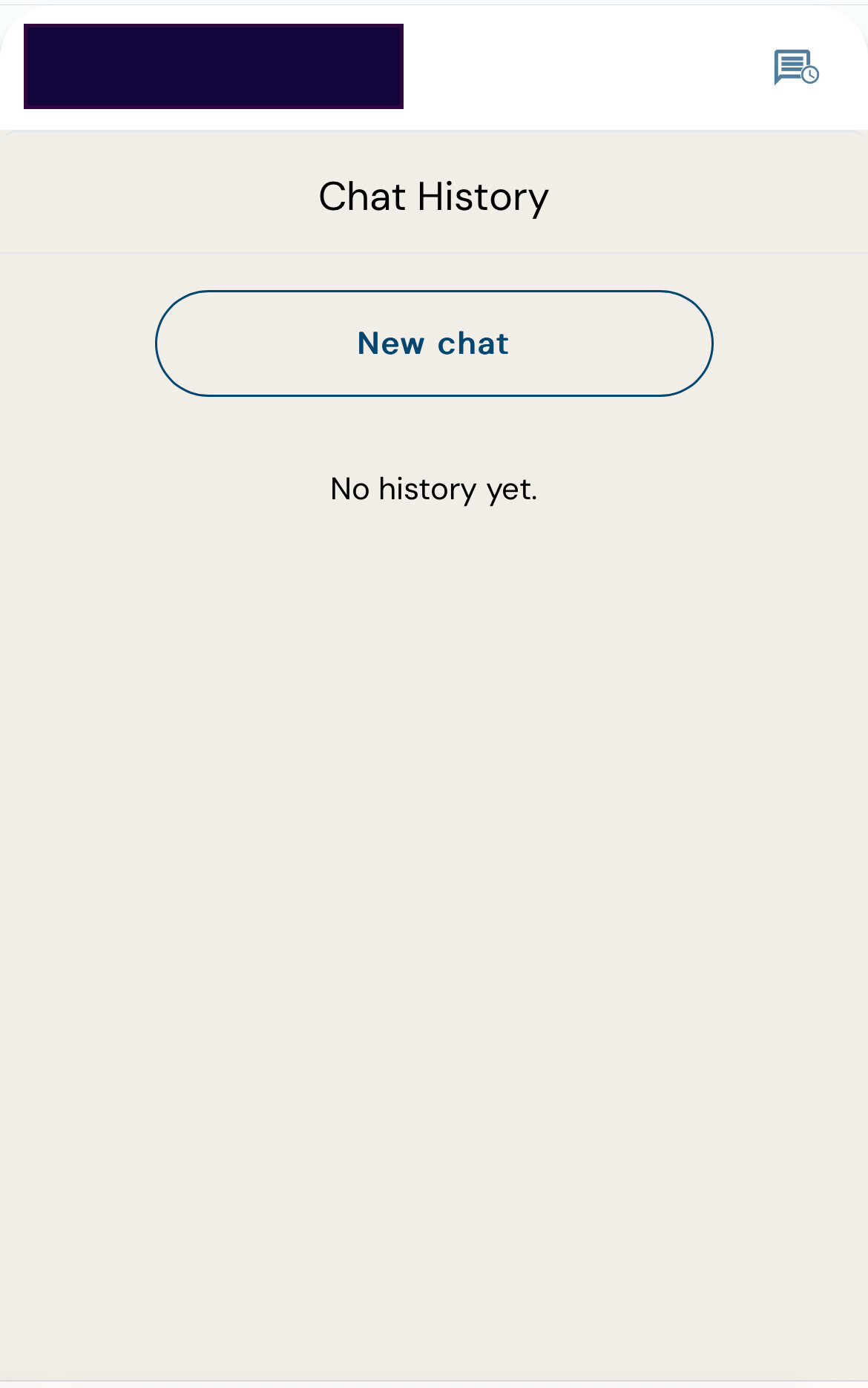
Hi @danny_support thanks for testing. I’ve attached screenshots - taken from Mobile IOS Safari and Safari Desktop. I also noticed the problem on different browsers (ex: Safari and Firefox on Desktop).
Also, other details- I’ve added the setting to lock the pickaxe to my domain - site hosted on wordpress.
User used up his tokens (usage) and was asked to upgrade. But then opened the same site on the mobile device, same login, and there was no chat history, and he had access to new chats.
I’m using the ‘inline Iframe’. I’ve also attached the code I’m using.


Hi @karina ,
Thank you for providing the additional details and screenshots. Our team has conducted further testing, but was still unable to reproduce the issue. It may be specific to your account or setup.
To help us investigate more effectively, could you please resend the screenshots in our email conversation without censoring any details so we can cross-check them accurately? It would also be very helpful if you could include the following:
- A link to the Pickaxe that is experiencing the issue
- A list of affected users, along with whether the problem occurs for all users or only specific ones
- A link to your website or WordPress page where the Pickaxe is embedded, so we can test it directly in your environment
Once we have this information, we will be able to take a closer look and identify the cause more precisely.
Thank you for being a valuable part of the Pickaxe community!
Hi @danny_support , thank you for your response. I have responded with all requested information to your email. Let me know if you require anything else from me. Thanks so much for looking into this.